Why Wedding Planning Software Sold as a One-Time Purchase Is Structurally Different From a Subscription Tool
Subscription and one-time purchase models shape wedding planning software fundamentally differently.
A one-time purchase and a subscription shape wedding planning software differently, from the features built to who controls the data. Couples who want a wedding website builder built for their local market need pricing in AUD, local venue types and seasons, and tools to help them manage local vendors. The better fit has a payment model and connected features that meet the couple’s planning needs as well as bringing in recurring revenue for the business.
How the pricing model shapes who the tool is actually built for
Pricing is part of a tool’s design. It determines who pays the business and what the business gains when couples keep using its software. A subscription earns revenue by keeping couples paying month after month, while a one-time purchase earns its revenue at the sale. Both affordability and the behaviour a payment rewards matter.
A wedding has an endpoint, which makes this distinction especially sharp. Couples need to finish their tasks and then stop planning. A subscription business benefits from a longer paid relationship, even when the couple’s aim is to get organised and move on. A one-time tool has no further payment to gain simply because planning takes longer. Its product must make a convincing case for the purchase.
Free tools funded by vendor advertising introduce another interest. Vendors pay for access to an audience of couples, so the experience is shaped partly by the advertisers funding it. The couple is not the paying customer in that arrangement. The software can still be useful, though the business has to keep its advertisers happy. Couples therefore need to weigh subscription, one-time purchase and advertising-funded tools separately, even when their feature lists look much the same.
What subscription incentives actually push product teams to build
Recurring revenue rewards features that sustain an ongoing relationship. Some of those features can be genuinely useful, but the model also rewards dependency and gives product teams reasons to hold something back for the next upgrade. Helping couples finish tasks quickly and stay in control does not, on its own, bring in another monthly payment. Charging for a paid tier with a feature they need can.
Feature gating makes that incentive visible in the product. A seating chart can sit behind a paywall, dietary tracking can become a paid upgrade, and guest texting can be sold as an in-app purchase. The platform needs reasons for couples to spend more. Those reasons often appear at the point where a couple moves from collecting information to using it, such as turning a guest list into a seating plan. What looked like a complete workflow then becomes a series of separate buying decisions.
A one-time tool starts from a different position because the purchase has already paid for the included product. A complete product that works well can cut the need for support and get couples to recommend it, without charging the same couple again. The incentive runs towards making the purchased package work well. That is not a guarantee of quality, just as recurring billing is not proof of poor software. That gives couples a reason to look as closely at the roadmap and upgrade prompts as at the feature list they first see.
How total cost of ownership diverges from the advertised price
A monthly price is not an engagement-long price. Comparing that small recurring amount with the full upfront cost of a one-time purchase makes the subscription look cheaper than the comparison warrants. The total needs to cover every month the couple will use the software, plus any paid features they need to finish the plan. Seating tools, dietary tracking and guest messaging can widen the gap if they cost extra.
The break-even point is straightforward in principle. It is the point at which accumulated subscription payments reach the one-time purchase price for the capabilities being compared. Beyond that crossover, the one-time option costs less before extra fees are counted. Australian engagements often last well past that point, so recurring payments can make a big difference to the total cost, well beyond a small charge for convenience. Without the actual prices and included features, however, there is no honest universal dollar total to attach to the choice.
For an Australian couple, AUD pricing belongs in that calculation from the start. A tool that forces USD pricing does not present the same straightforward local price as one priced in Australian dollars. The comparison also needs to distinguish an upgrade covering the full platform from a payment unlocking only one feature. Otherwise, two apparently similar prices buy different amounts of software. Continued access to planning records is part of what the couple is buying, so the comparison also needs to account for what remains after payment stops.
Where your data lives and what that means when the subscription ends
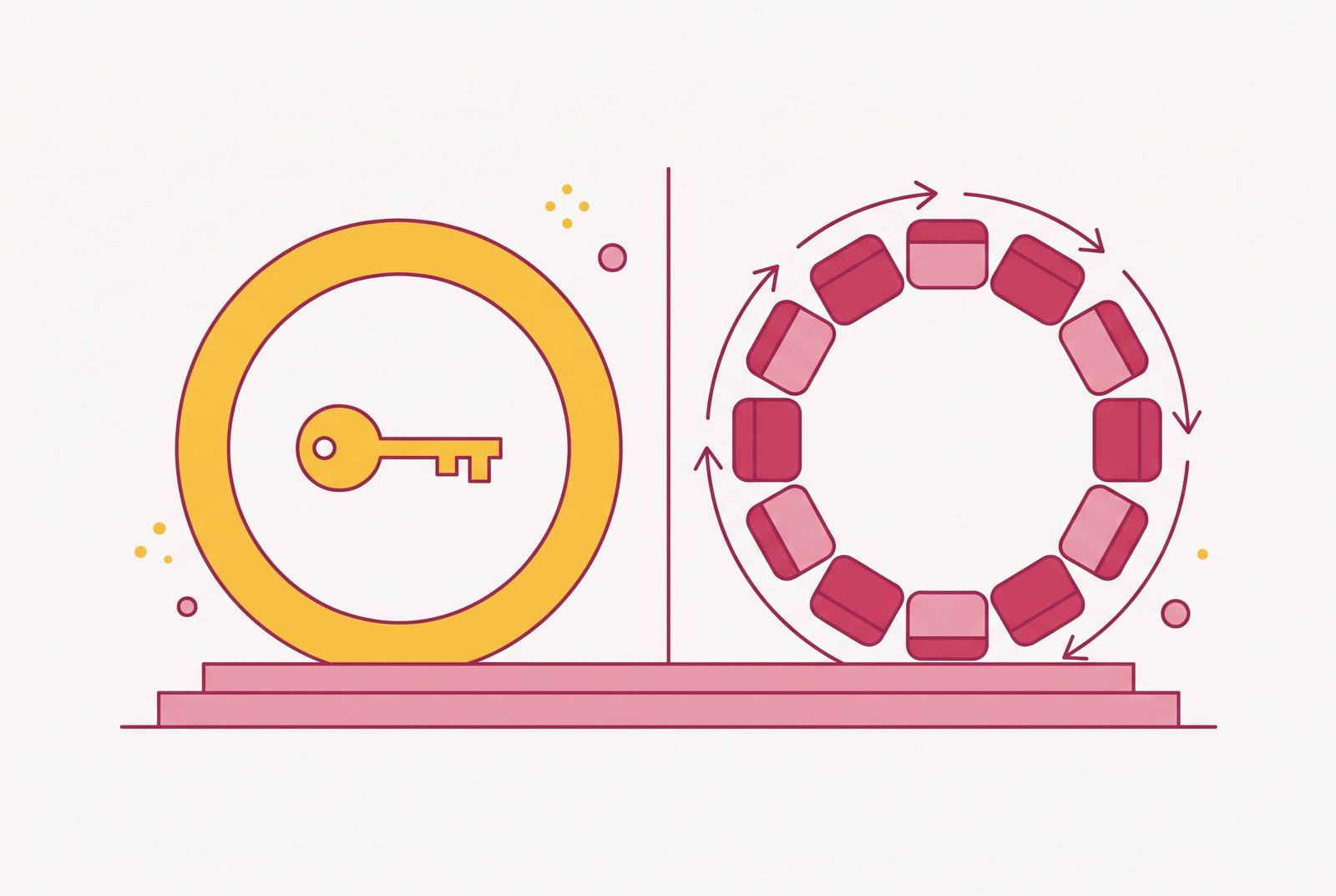
A cloud-hosted subscription keeps planning information on the vendor’s servers. A locally stored one-time purchase keeps the file and its data with the couple permanently. These are different forms of control. The distinction follows from where the product stores its data, so couples should check whether a one-time purchase includes local storage.
A wedding guest list contains full names, postal addresses, relationship details and dietary restrictions, some of which can reveal medical or religious information. Financial records add another layer of sensitivity. Before entering the guest list, couples should check who holds that information and how it is kept secure. Local control changes who possesses the file, but it is not a blanket promise that every one-time product offers stronger privacy than every cloud tool.
Access is a separate risk from privacy. Cancellation, a company closing or a billing failure in the final weeks before the wedding can leave couples without access to information they urgently need. Couples should establish what happens to both the wedding website and its underlying data when payment stops. That question is more useful before the plan depends on the platform than after access has disappeared.
Cloud tools do offer a genuine advantage in real-time sync. Both partners can work from different devices at the same time, which a locally stored file does not offer in the same way. That is a real trade-off. For couples who divide responsibility or update the plan in batches, simultaneous editing may offer less value than continued control of the file. For couples who regularly make live changes together, it can be a stronger reason to accept the dependency.
How connected data inside a tool changes what planning actually feels like
A tool may have a guest list, seating chart and catering report but leave the couple to make sure the details in each one match. Couples need to check whether one change updates every place that depends on it. Pricing and feature gates can shape access to those connections, but neither billing model proves that the underlying design is sound. Integration needs its own assessment.
The seating chart exposes disconnected data quickly. A guest changes their RSVP, the guest list is updated, but the seating chart still reflects the old answer. Ever After Suite names this “the classic spreadsheet failure”, where the venue ends up with the wrong count because the change did not reach the seating plan. Several versions of the same information must be reconciled manually, repeatedly and under time pressure.
Dietary requirements need an even more precise connection. They belong to the guest. When a guest moves during a seating reshuffle, their meal note needs to follow automatically. Australian caterers at premium venues expect dietary information to be clearly set out with each guest’s name and place at a table. A tool that stores those details separately leaves the couple to repair the links, potentially on the morning of the wedding.
A paid gate can break this workflow even when the platform already holds the relevant data. If a free user can collect guest details but cannot use the seating chart, exporting to a spreadsheet becomes the workaround. The couple then re-enters information the platform already has. That manual work is precisely what planning software is supposed to remove, and it turns feature gating into more than a financial inconvenience. It changes how much reconciliation the couple must do.
What AI planning features reveal about the subscription-versus-one-time gap
AI planning features are no longer subscription-exclusive. Their appearance in one-time purchase products weakens the assumption that recurring payments are necessary for more sophisticated software. Eydn offers a one-time purchase option, with a budget tracker, vendor management, guest list, seating chart, wedding website and an AI planner. That is a concrete counterexample to the claim that AI assistance requires a subscription. It does not establish that every one-time tool has equivalent capabilities.
The remaining distinction needs to be stated narrowly. AI and multi-section integration no longer give couples good reason to assume subscriptions can do more, though simultaneous multi-device editing still involves a trade-off between cloud tools and local files. For a couple who use the planning tool one at a time, that difference may have little effect on daily planning. For partners making concurrent changes from separate devices, it can be useful. The value depends on how the couple works.
A subscription product with an AI planner still earns more when the couple remains a paying user for longer. A one-time product earns its purchase revenue without a further stake in the length of the planning process. The addition of AI therefore narrows the capability argument for subscriptions without erasing their genuine collaboration advantages.
What a free tier should cover before a paid upgrade makes sense
A free tier should let couples get real planning done before they need an upgrade. ForeverAfter sets a useful benchmark with budget tracking, expense management, an uncapped guest list, a day-of itinerary and a publishable wedding website. By contrast, a tier that blocks the couple’s most-used functions, such as dietary tracking or full RSVP flows, is better understood as a trial of paid software.
A paid upgrade can still be a sensible purchase. The justification should be a specific set of features the couple needs, such as a one-time bundle of QR RSVPs, seating chart tools and AI invoice scanning. That is different from paying monthly regardless of which features are used. The scope of the payment also needs to be clear, because a full-platform upgrade and a single-feature unlock are not equivalent. An upgrade earns its place by completing the required workflow.
Before committing, couples should ask whether the free tier includes the functions they will use most heavily and whether RSVP answers flow into the guest list, seating chart and dietary report automatically. They should also establish what happens to the data and website if payment stops or the company closes. Is pricing in AUD, does the tool account for Australian venue types and seasons, and does it help couples plan with Australian vendors beyond what an adapted US-focused experience offers? The available facts do not establish a ranked winner on those criteria.
The strongest choice is the one that answers those questions clearly before the couple builds their wedding around it. A subscription may be worth the ongoing cost if couples use it to work together, while a complete one-time purchase may work better for a project with an end date. Neither deserves preference on its label alone.