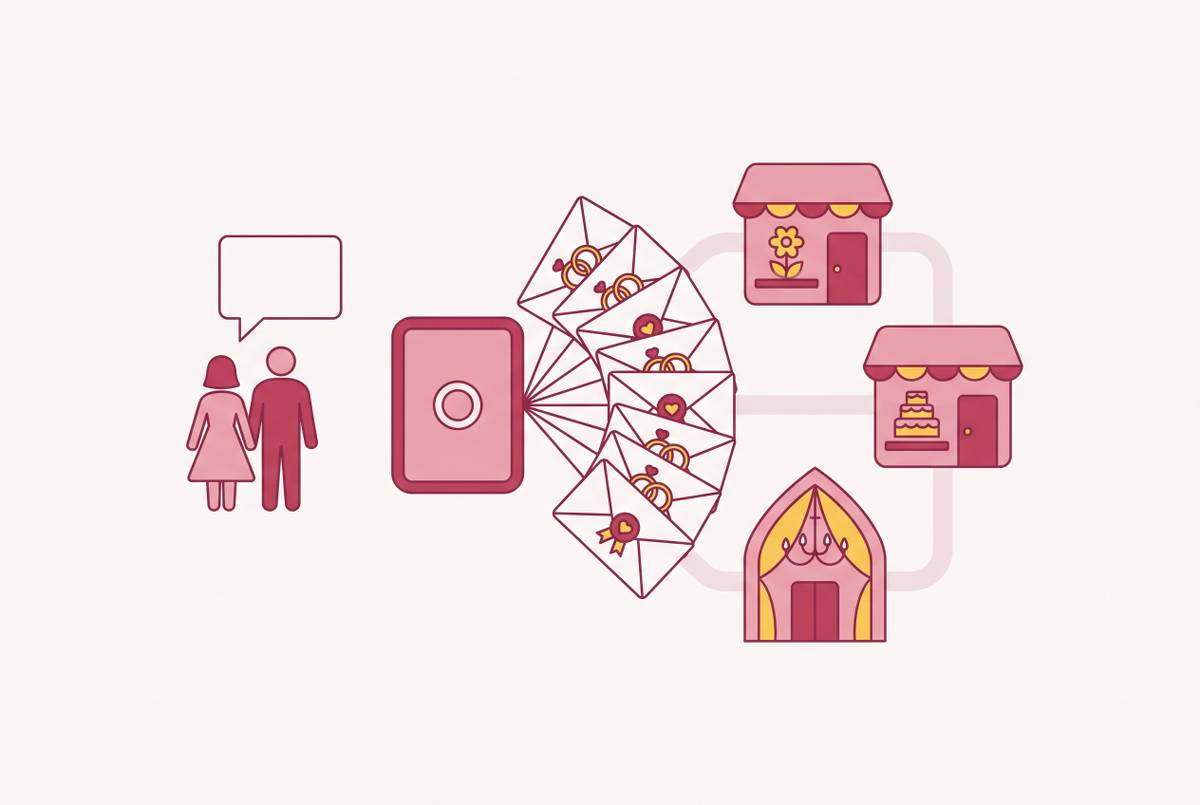
How Automated Dietary-to-Seating Sync Changes What Wedding Software Actually Needs to Do
Dietary data that sticks to each guest prevents chaos at the seating chart and service.
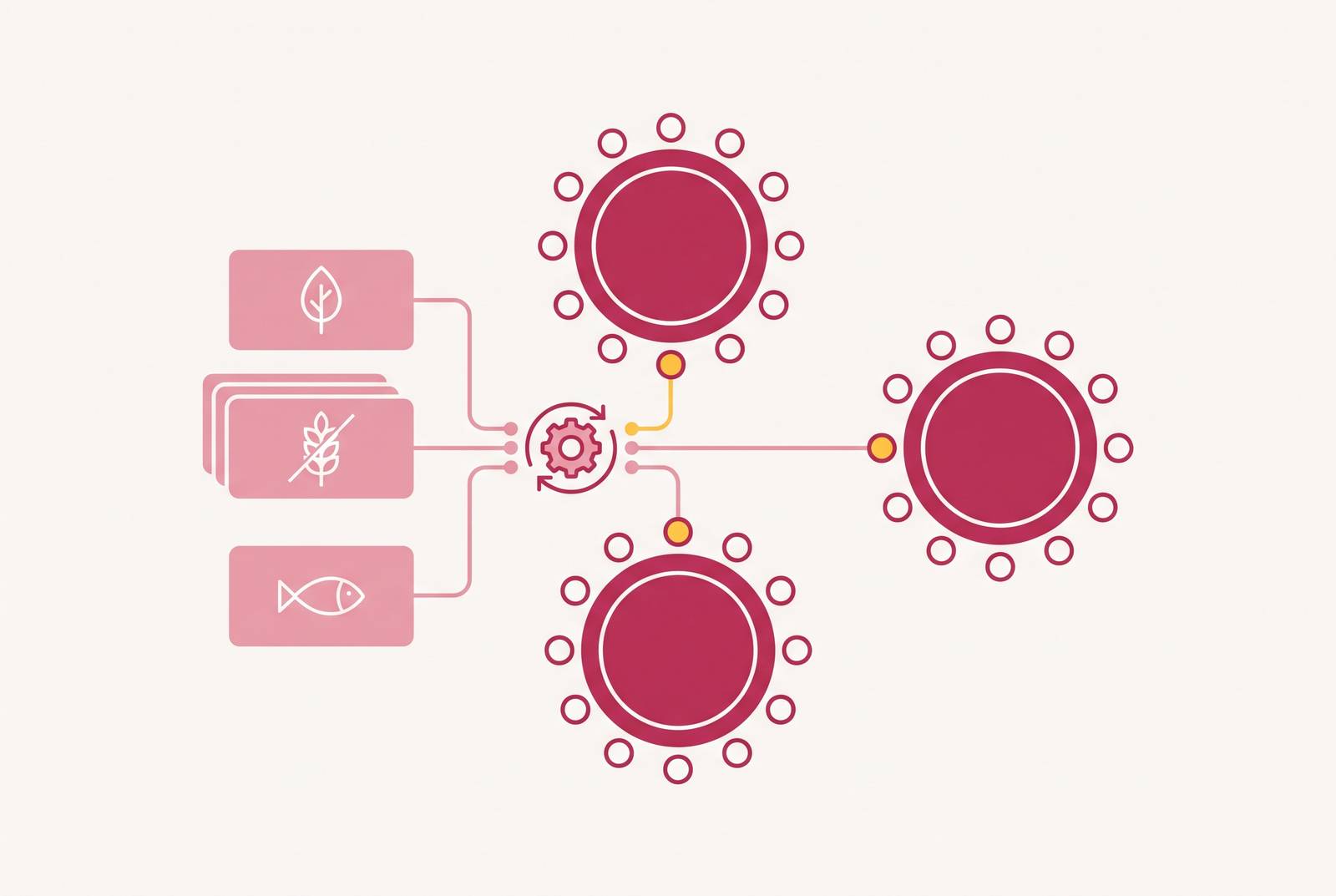
For Australian couples, a wedding website builder needs more than AUD pricing and local vendor listings. It needs to link the RSVP, guest list and seating chart so that each guest's dietary requirements move with them without the couple having to copy them by hand. Automated dietary-to-seating sync exposes the real test of wedding software, which is whether it moves information through the planning process or leaves the couple to do that work.
Why the seating chart is the last task couples dread and the first one software gets wrong
Couples get to the seating chart when their patience is running short. Final replies are still coming in, someone has cancelled, and a plus-one has changed. Yet the chart depends on those answers, so who sits where cannot be settled until the guest list is. Each change affects more than who sits beside whom. It can also mean finding a meal choice, checking an allergy note and updating a separate catering document.
That is why the task feels larger than arranging tables. It is the point where earlier gaps become visible together, under a deadline that leaves little room to untangle them. Australian caterers in Sydney, Melbourne, Brisbane, and Perth typically require final numbers around one week before the event, although catering deadlines can fall earlier. The couple is trying to work out who should sit together while also making sure they have all the food information. A late reply means more work on both at once.
The stakes are not just an awkward conversation. A guest with a severe allergy seated at a table that does not have their dietary information creates a safety issue. The restriction may have been recorded perfectly when the guest replied, but that does not help if it never reaches the chart used for service. Software gets this task wrong when it treats seating as a fresh document rather than the final destination of information already collected.
How disconnected tools created the manual reconciliation trap
The couple becomes the middleware, moving information between systems that are kept apart. An RSVP tool takes in replies, while a seating tool takes in a guest list. Names may move automatically from one to the other, but meal choices and dietary flags can be left behind. That looks like a connection until the couple needs it to do more than populate tables. The caterer gets a headcount but no map showing which seat needs the gluten-free plate.
The failure is in how the information is stored. When a name and its dietary requirements live in separate places, someone has to match them again for the seating chart. That person must also keep the match current. A late reply, a new plus-one or an updated restriction sends the couple back to both systems, even if the first transfer was accurate. An export solves only the version of the guest list that existed when it was made.
A tool can collect dietary information well, and another can make table layouts easy, without either keeping the two connected. Each does its own job. The couple still has to reconcile the results, checking that every person on one side has the right requirements on the other. Adding more screens does not remove that responsibility.
Australian weddings in 2026 regularly need to accommodate gluten-free, dairy-free, halal, kosher, nut-free, and vegan requirements, with low-FODMAP increasingly common but less universally expected. A guest count can be correct while the meal information is wrong, incomplete or attached to an outdated table assignment. With manual reconciliation, the couple has to catch those differences while the plan is still changing.
What a guest record that carries its own dietary data actually changes
Dietary requirements belong to the guest. When the guest record stores both the person and their requirements, moving that person does not create a second job of moving their food information. Aunt Carol is gluten-free whether she sits at the cousins' table or the college friends' table. Her restriction stays attached to her name.
The seating chart then becomes a view of existing guest data without requiring a separate document to be populated. There is one record to update. A dietary change flows forward to the chart, while a cancelled RSVP or new plus-one changes the information the chart draws on. The couple can still rearrange the room, but the rearrangement does not break the link between a guest and their needs.
That link also changes what the caterer receives. Instead of separate totals and dietary notes that need matching, the export can show which seat at which table has each requirement. This is the information needed at service. A complete dietary list is useful, but its value is limited if staff must still work out where each person sits. The connected model preserves that location through the handoff.
This is not the same promise as AI seating. Auto-seating logic that optimises for table fill can still place a coeliac guest at the pasta-heavy family table because the geometry works. Even when dietary information stays with each person, the couple still has to weigh up relationships and where that person should sit. Human judgment remains primary for who sits next to whom, while the shared data prevents their requirements from being lost. For true sync, the RSVP, guest list and chart need to share a data layer as well as pass names between them.
How current tools actually handle the dietary-to-seating handoff
Tools available to Australian couples in 2026 approach this handoff in different ways. Some use a shared guest record, while spreadsheet importers preserve dietary columns only when those columns are formatted correctly. Many free tools sync guest names but leave dietary information out of the seating layer. The distinction is easy to miss at first. Both approaches can produce a room full of named guests, but only some preserve the food information needed to serve them.
Seat the Day builds a seating chart from a Google Sheet the couple already has. It provides two-way sync, drag-and-drop tables, a printable PDF and a QR seating chart, and is free to start for up to 5 tables. Each guest's meal choices, dietary notes, and wedding-party tags stay with them through the sync. That gives an existing spreadsheet a direct role in seating. Its approach connects the sheet and the chart rather than asking the couple to copy dietary notes after each reshuffle.
An integrated wedding planning app illustrates the integrated approach, where automatic dietary-to-seating sync keeps the restriction attached to the guest. Its Australian fit includes pricing in AUD, no features that quietly require a US address, and no vendor directory that defaults to US listings. It is free to start, with a three-day trial of paid features including the budget planner and seating chart. That gives couples a chance to assess those tools before taking on a subscription. The central distinction, though, is the connected path from the guest's response to their place in the room.
These approaches serve different starting points, so a ranking alone would hide the useful comparison. A couple already working in a Google Sheet has a different handoff to solve from a couple choosing an integrated planning platform. Australian support is a separate test. AUD pricing, usable address requirements and relevant vendor listings establish local fit, while guest-level dietary sync establishes whether the planning data stays connected. Neither set of criteria substitutes for the other.
What the RSVP has to collect for dietary sync to work downstream
Couples setting up the RSVP need structured dietary fields as well as a box where guests can write their own answers. “GF”, “gluten free”, and “no gluten please” mean the same thing, but software may not treat them as equivalent when generating a chart. Use consistent choices to capture the requirement. An open “any other requirements?” field alone leaves the couple to interpret and standardise responses later, bringing manual reconciliation back into an otherwise connected process.
Collect attendance confirmation and meal choice where applicable, then dietary requirements and a severe allergy flag as distinct fields. The allergy flag deserves its own place. It makes a severe allergy stand out from other food requirements so its importance is clear without having to read through a note. For destination weddings, collect accommodation preferences too, so that another part of the guest's response does not have to be gathered separately.
Record what every plus-one can eat in their own dietary details. Capturing the primary guest's requirements does not establish what the person accompanying them can eat. Without that second set of answers, the chart can show an occupied seat with unknown needs. The same standard applies to the form on a phone. Most RSVPs are completed on phones, so mobile responsiveness is part of both collecting complete information and making the invitation look good.
Send invitations with RSVP links six to eight weeks before the wedding. Set the RSVP deadline three to four weeks before it. That leaves time to settle seating and catering headcounts. Catering deadlines vary, and the two-to-three-week deadline used for planning leaves less room than a final-number cutoff around one week before the event. The earlier RSVP deadline gives the couple time to chase missing answers before either handoff becomes urgent.
Use automated reminders without weakening what the response form collects. A simpler reminder form that omits dietary fields can create a gap just as the chart is being finalised. Automation protects the downstream record only when every route into it captures the required details, including those of guests who reply after a reminder.
How dietary sync connects to the broader data coherence problem in wedding planning
Whenever information has to be re-entered between systems, the couple absorbs the work and the risk of a mismatch. Seating exposes the consequences through a missing allergy flag, a service error or a chart the caterer cannot use. A guest list that does not feed the budget planner leaves per-head catering estimates out of step with attendance changes.
That budget gap starts well before the final RSVPs. Couples make early estimates before they visit venues, keep supplier quotes in separate documents, and still have a guest list that keeps changing. When changes in one place do not reach the others, overspend becomes a predictable result of disconnected information, independently of how well the couple planned. The budget can look settled even after the assumptions it rests on have changed.
One photographer quotes eight hours with a second shooter, while another quotes a longer day without one but includes an album. A folder of PDFs preserves both offers. It does not give them a shared structure that makes the differences easy to compare. Putting quotes in one structured view, like dietary sync, makes the stored information ready to use for the next decision.
Data entered once should automatically feed into every decision that comes after it. A confirmed vendor quote updates the budget, just as an RSVP count updates the catering estimate and a guest's dietary requirement reaches the seating chart. The system does the transfer work. That changes the couple's role from repeatedly copying and checking information to making decisions from a current plan. For Australian couples with so much money at stake, this makes planning calmer and more accurate, with less work to do by hand between steps.